Workbench Sync Overview
Upvise works “offline”, allowing users to record data whilst having restricted or no internet access. Data is expected to re-sync once the user connects to the internet and reloads their Upvise device to sync the data to the cloud.
Workbench automatically checks for updates from Upvise every hour via an automated scheduled sync. however it cannot sync data that is still locally stored on the users device that has not yet synced to the cloud. Any entries submitted and successfully synced to the cloud during that time from the users device will then sync to Workbench on the next hourly cycle.
In addition, once per day, a backdated sync runs to capture any transactions that may have been stored locally on a user's device and were not uploaded in time for the regular hourly sync.
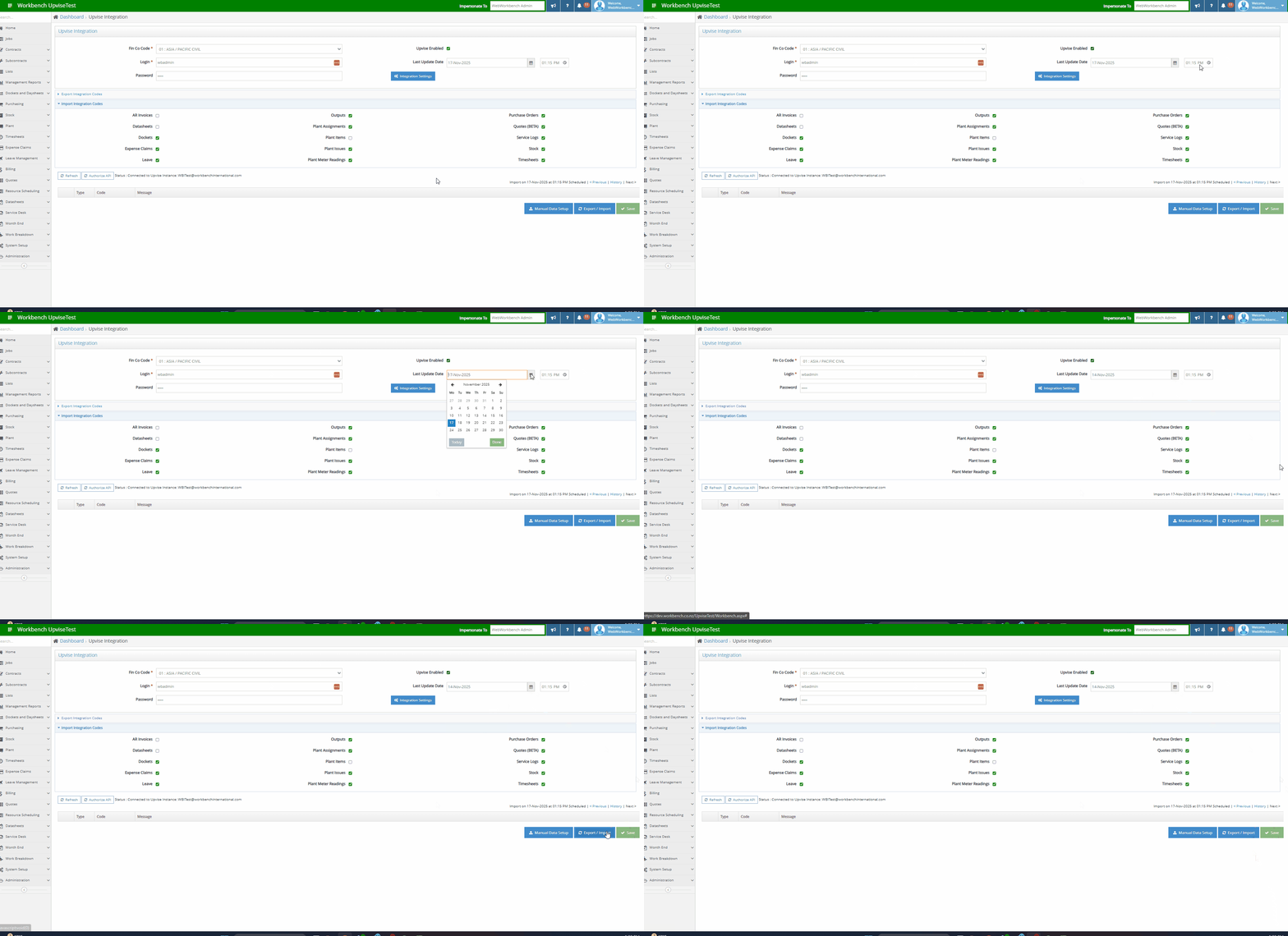
Manually backdating a sync:
Go to the Upvise Integration page in Workbench.
Select the relevant FinCo.
Set the Last Updated Date to one day before the form was submitted (e.g. if the diary was submitted on 2nd June, choose 1st June).
Click Save.
Click Export/Import.