
If you’re trying to create a new user in Upvise (see: How do I create a new user in Upvise?) and the user is not being created as expected, the sections below outline common causes and how to resolve them.
Quick Troubleshooting: Licence Sync Reset
Firstly, follow the below steps to troubleshoot the licencing creation in upvise:
Navigate to the Upvise integration screen
Backdate the “Last Updated” date to the day before the licence was applied, click save
Click Export/import
the user should sync across within a few minutes
If the user still does not appear, continue with the checks below.
Common Reasons a User Is Not Created
1. An account already exists using this email address
If you have applied an Upvise licence in Workbench but see the error:
“User can’t be created because the email already exists”

This usually means one of the following:
The employee has previously created an Upvise account outside of your organisation
The employee used Upvise with a previous employer
The user already exists in Upvise under a different name or profile
If a user creates their own Upvise account (separate from Workbench), an error message like this will appear in the Upvise Integration screen.
What to do
First, search your Upvise users for the email address
If the email does not exist in your system, raise a support ticket so the orphaned account can be removed
Support request options
Submit a ticket via Freshdesk
⏱️ Account removal typically takes up to 2 business days.
2. No email address on the Workbench person record
If a person has been assigned an Upvise licence in Workbench but does not have an email address, the user cannot be created in Upvise.
In this scenario:
An error will appear in the Upvise Integration screen
The sync will fail until an email address is added
Resolution
Add a valid email address to the person record in Workbench
Re-run the Export / Import process
3. The person is not associated with a company in Workbench
If the person record is not linked to a company in Workbench:
The user will not sync at all
No error message will be displayed
The user simply will not appear in Upvise
Resolution
Ensure the person is assigned to a company in Workbench
Re-run the Export / Import process
4. The User name is not unique
Within a single Upvise database, usernames of licenced users must be unique.
This means:
Two users cannot share the same username
Even if the email address is new and unique, the user cannot be created if the username already exists
Common scenario
The employee's name matches an existing username in Upvise.
Resolution
Open the person record in Workbench
Edit the Name (first or last) to make it unique
Common approaches include:
Adding a middle initial
Adding "Jnr" or "Snr" if two people have the same name and are related
Using a shortened version of their name for the second person (e.g. Matt instead of Matthew)
After updating the persons name in workbench:
Save the record
Re-run the Export / Import process via the upvise integration.
Prevention: How to Avoid User Creation Issues
To prevent delays and sync issues when onboarding new users:
Do not allow users to create their own accounts via upvise.com (example below
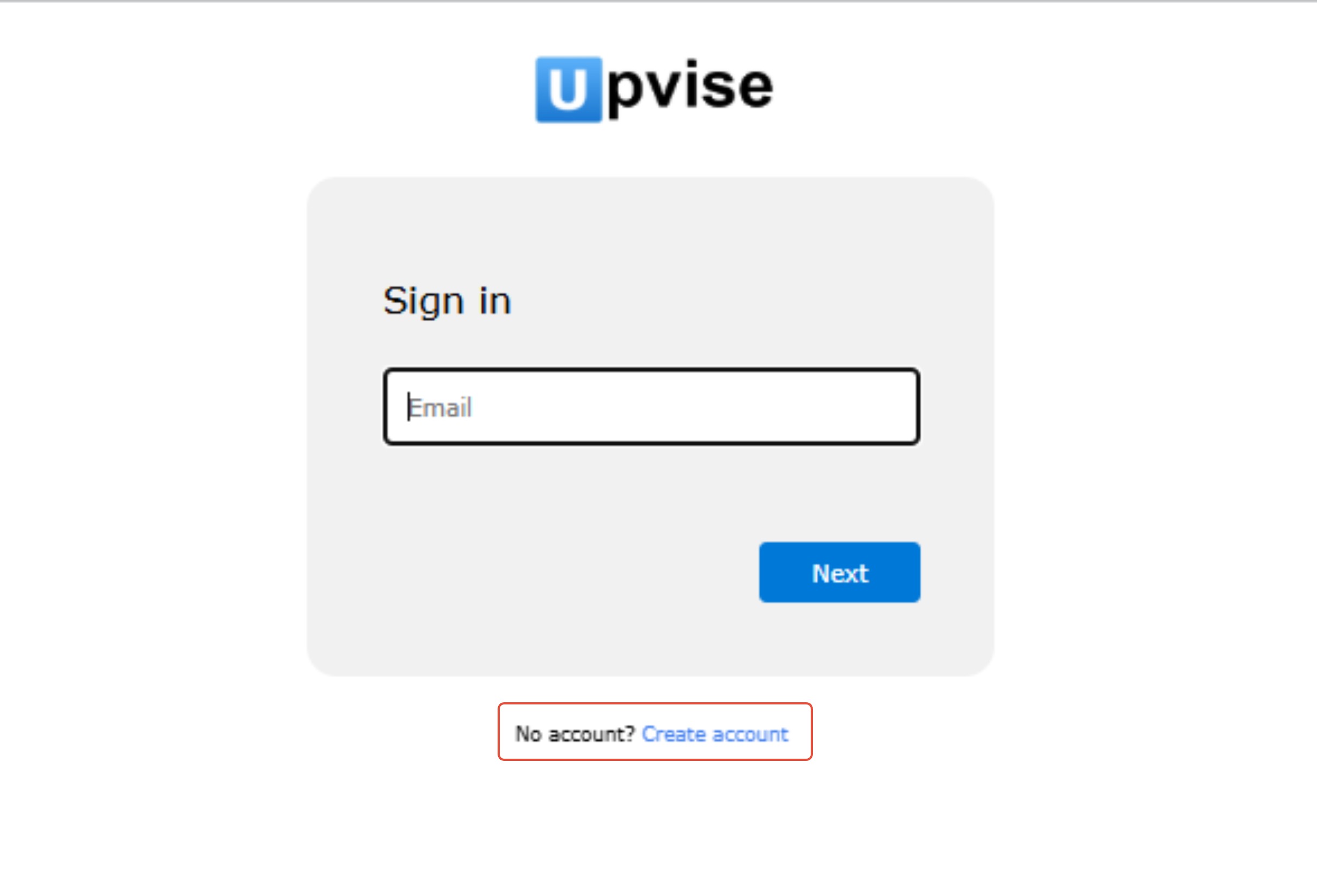
All Upvise users should be created only via Workbench
Educate staff that they do not need to sign up separately for Upvise
Creating accounts directly on upvise.com can result in:
Orphaned user accounts
Delays in database access
Manual remediation by support
Following the correct process ensures users are linked correctly to your database and can access Upvise without delay.