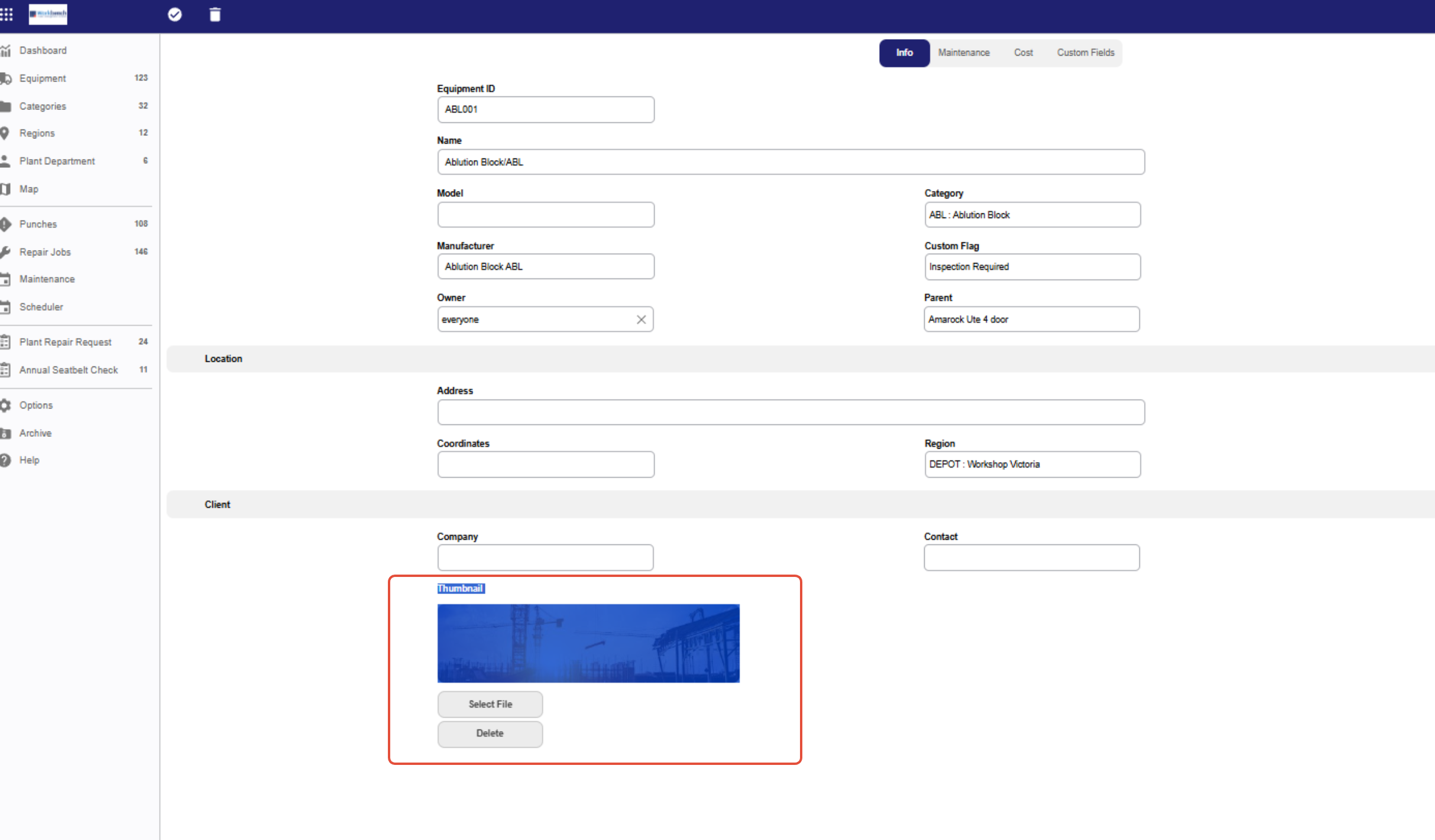
Upvise automatically sets the Equipment thumbnail as the first image ever added to the Equipment record if a thumbnail is not manually specified. System Administrators (with Equipment edit permissions) can override this by manually setting or updating the thumbnail using the Thumbnail option.
How to Set or Change the Thumbnail
Open the Equipment module.
Search for and select the Equipment record you want to update.
Tap Edit (✏️).
Scroll to the Thumbnail section.
Tap the Thumbnail icon next to the photo you want to set.
Save your changes.