Overview
When using column filters in Upvise, you may apply a date filter to narrow down results. If you need to remove or reset the applied date filter, follow the steps below.
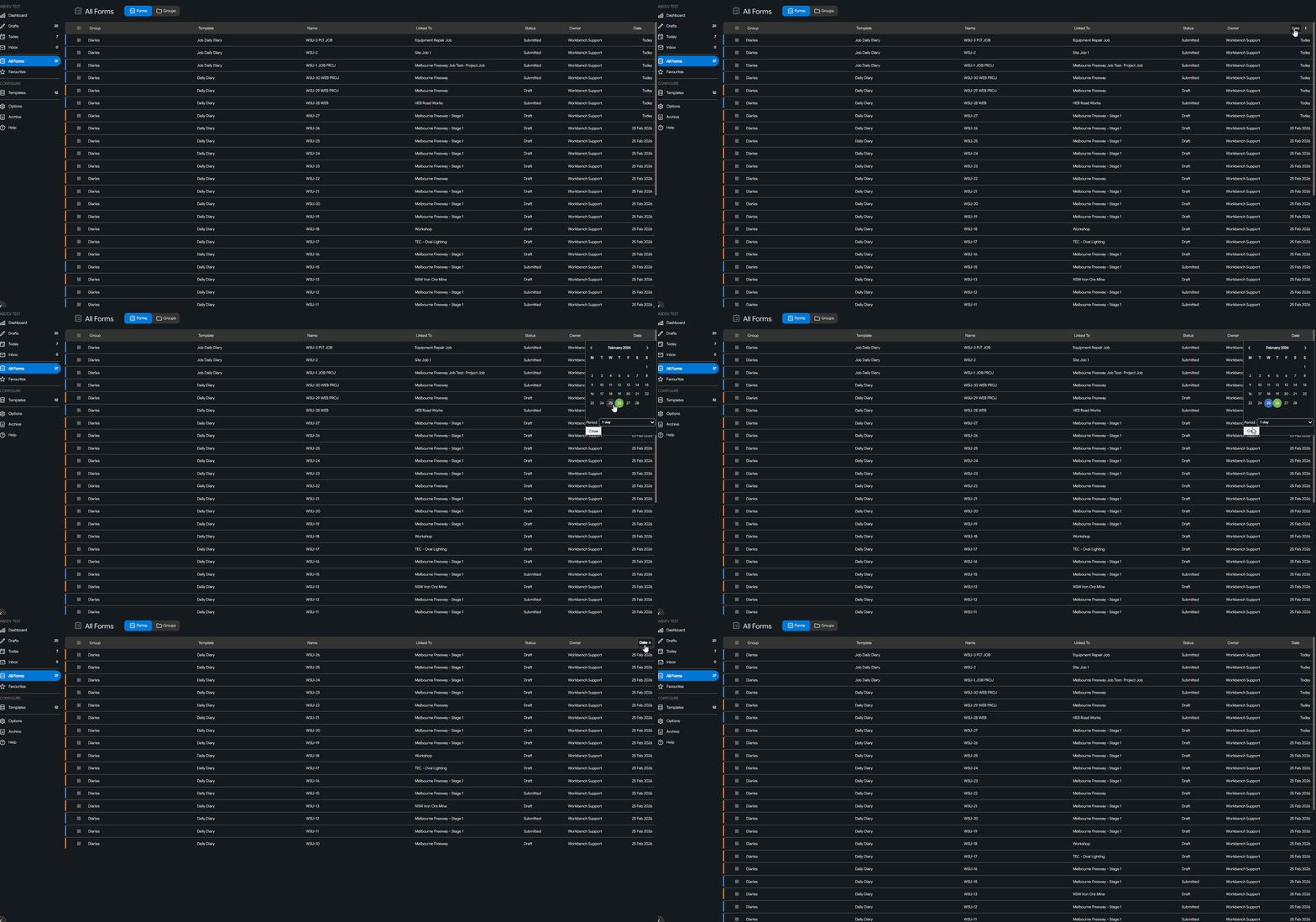
How to Clear the Date Filter
Open the relevant list view (e.g., Forms, Jobs, etc.).
Locate the column where the date filter has been applied.
Click into the date filter field to open the date picker.
In the date picker, right-click inside the blue highlighted area (the selected date range).
The filter will immediately reset and clear.
Screen Guide: