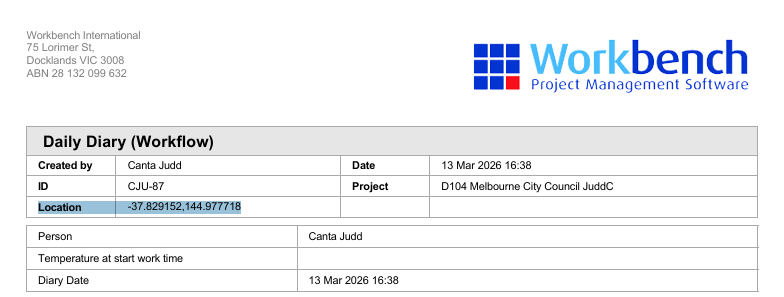
The display of GPS or address information in the PDF is controlled by a combination of form data and template settings.
How it works
The location will appear in the PDF when:
The form has a non-empty Address or GPS value
This is typically populated when a form is created on mobile with Location Services enabled
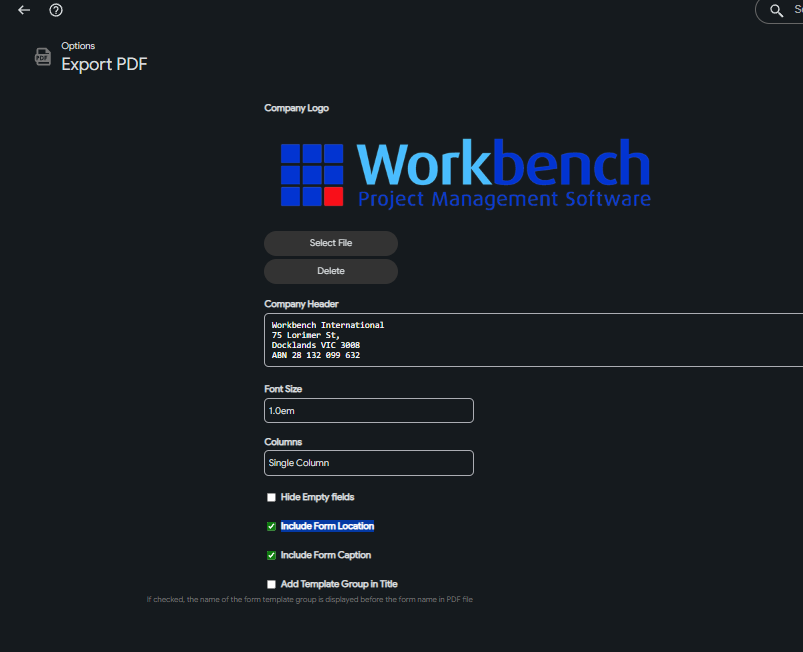
The PDF Export template setting “Include form Location” is enabled
What is displayed
If an Address exists → the Address is shown in the PDF
If no Address exists but GPS coordinates are available → the GPS coordinates are shown
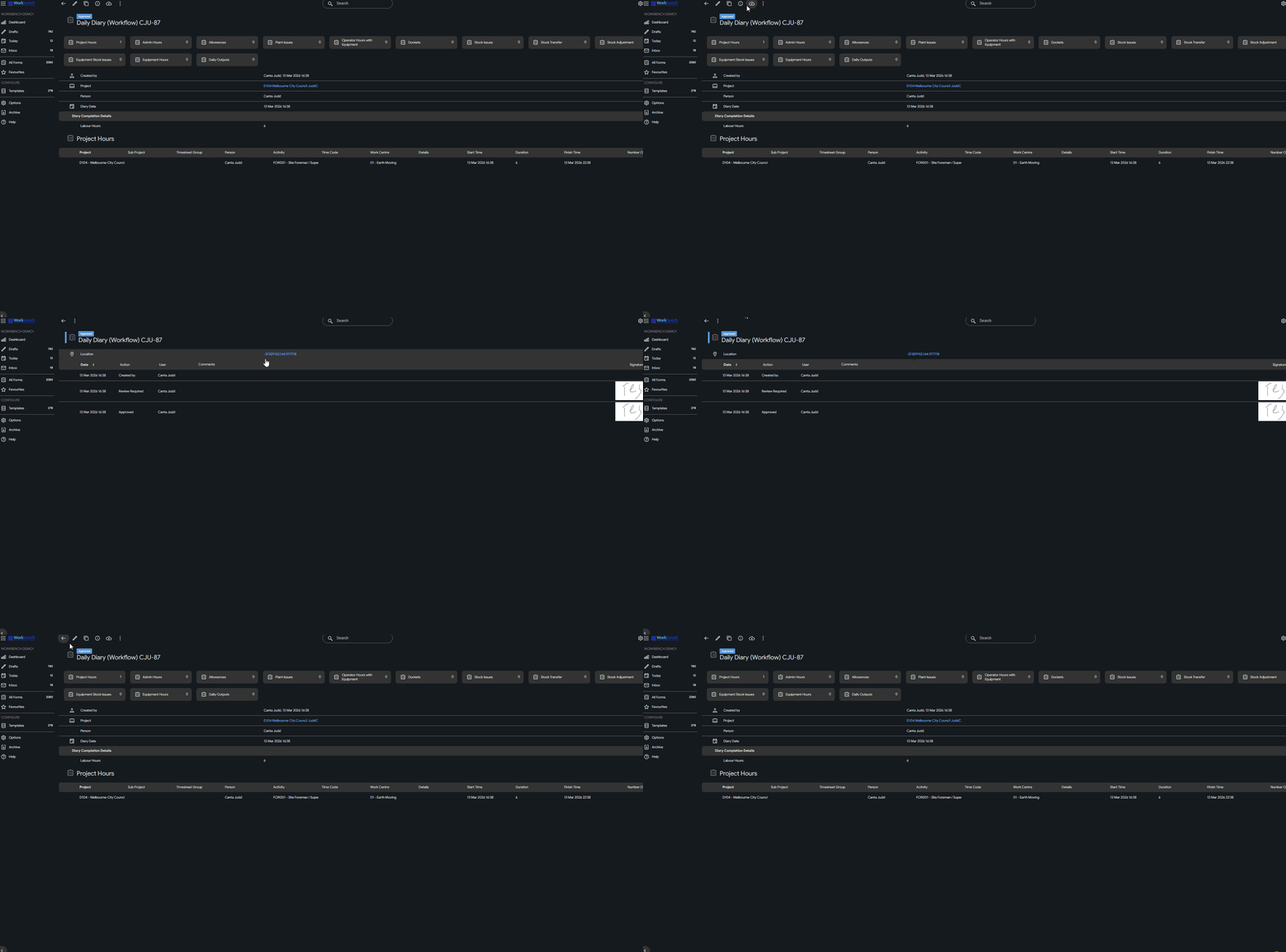
Example: